Last night, I stumbled upon the news about PixVerse R1. I was curious—what kind of new model is this? So, the moment I got an invite code, I stress-tested it immediately.
After a deep dive, I have to say: My brain can barely keep up. I hadn't even finished typing my sentence, and the scene had already evolved into the next part. My typing speed is far slower than its generation speed!
So, what exactly is this thing?
Simply put, it is a real-time world generation model.
The Old Way (Traditional AI Video Tools):
- Write a prompt → Click Generate → Wait → Get a single-shot video.
- Not satisfied? Start over.
- Want to change a detail? Regenerate everything.
The PixVerse R1 Way:
- Give it a theme → The scene starts playing immediately.
- Want to change something? Just say it, and the visuals change in real-time.
- Keep talking, and it keeps evolving.
How do you play? A Step-by-Step Guide
Step 1: Enter the Website
Access it directly at: https://pixverser1.com/
Note: It is currently in a closed beta phase. It hasn't fully opened globally yet, so you'll need an invite code to use it.
Step 2: Pick a World
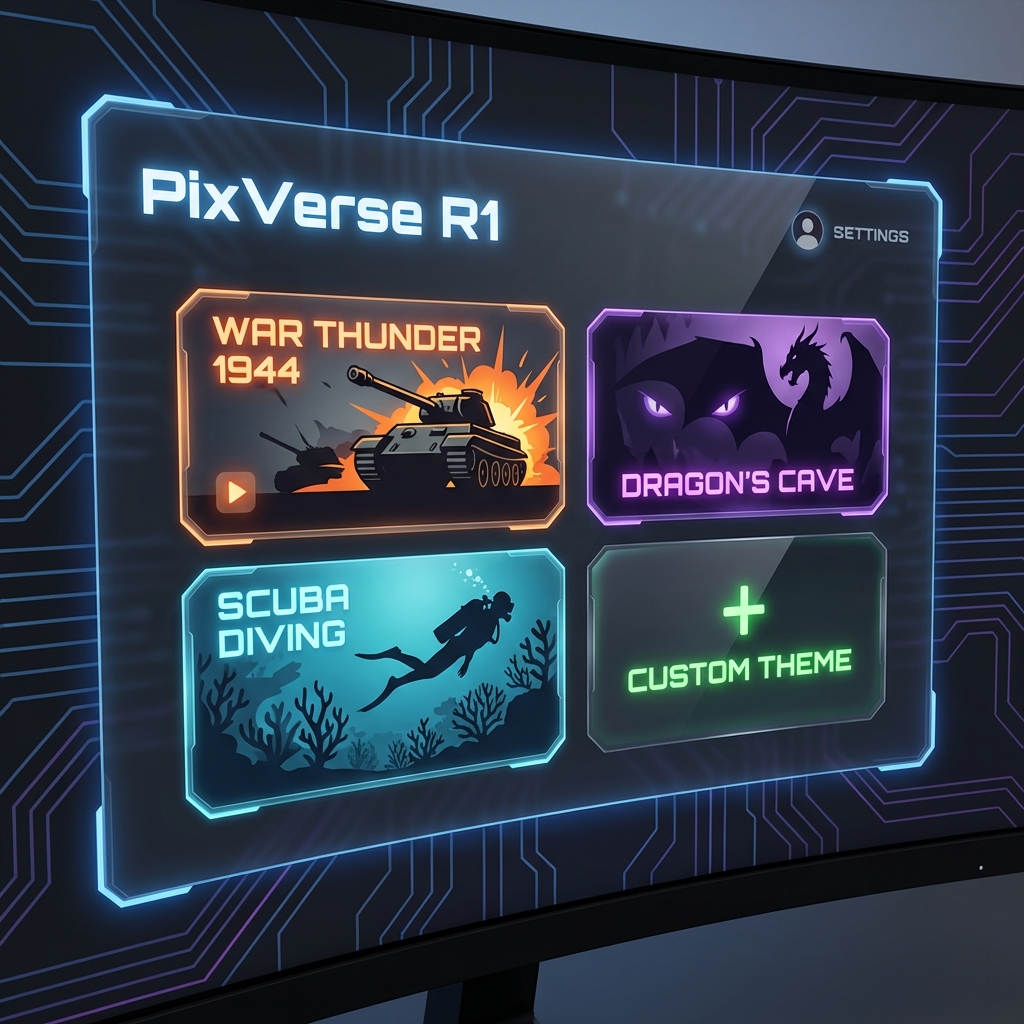
Upon opening, you'll see several ready-made themes to choose from:
- War Thunder 1944
- Dragon's Cave
- Scuba Diving
- Cartoon Madness
- Cosmic Voyage
- Cyberpunk City
Or, you can simply click "Custom Theme" to create your own.
Step 3: Start Improvising
Once you select a theme, the screen automatically starts scrolling and evolving.
At this point, you can:
- Tell it where you want the plot to go.
- Change the camera angle.
- Add new elements by describing them.
The most magical part is: It's not generating a fixed video clip; it is constantly evolving. Every sentence you speak or type is instantly melted into the playing scene.
I Tested a Few Scenarios
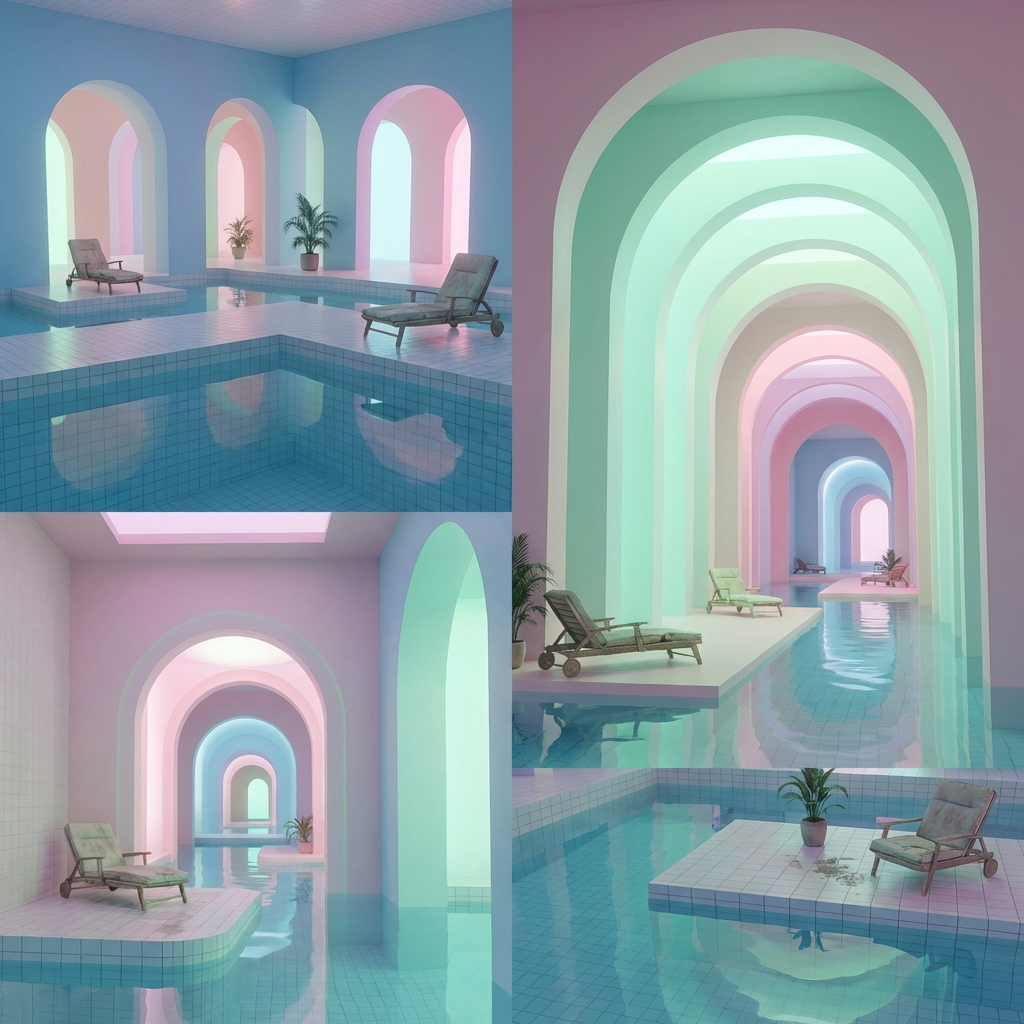
1. Dream Laboratory
Theme: Surreal dreamcore liminal space with shifting architecture.
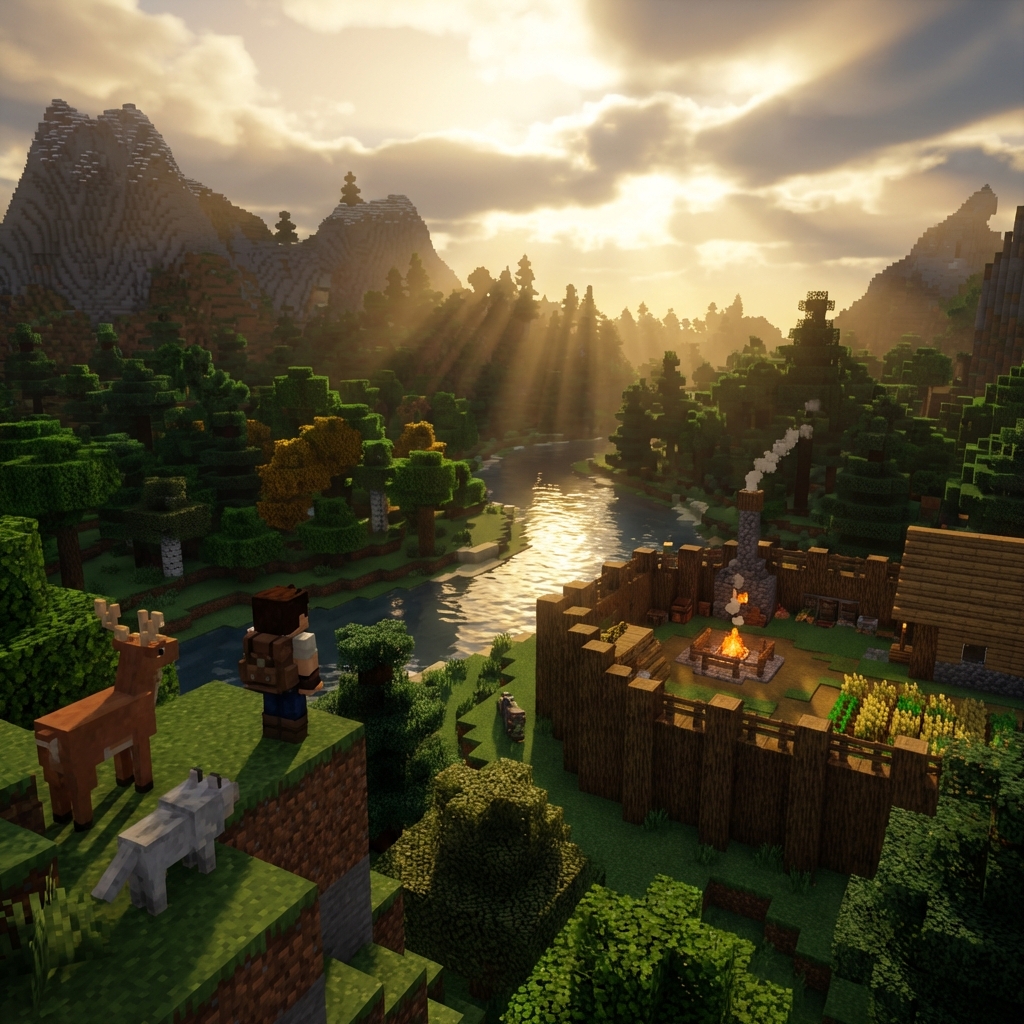
2. Pixel World Survival Adventure
Theme: Minecraft-style voxel world survival adventure with blocky terrain.
3. High-Speed Street Racing
Theme: Street racing game with neon-lit night city, cinematic camera angles and motion blur.
What Can We Do With This in the Future?
I think the possibilities are endless:
- Brainstorming Artifact: Directors can quickly test shot ideas without filming.
- Interactive Storytelling: Create "Choose Your Own Adventure" style content.
- Teaching Tool: History teachers can take students "back in time" to the scene.
- Game Prototyping: Quickly verify if level designs make sense.
To put it plainly, it's more like a foundational capability rather than a single product. It depends on how everyone plays with it.
Of Course, It's Not Perfect
The model is still in its infancy, and there are shortcomings:
- Not ready for movies yet: Currently, this model is more like an exploration of a "new media form" rather than a replacement for professional video production tools.
- Quality and Style: Visual fidelity and style diversity still need improvement.
Final Thoughts
I've seen a lot of AI video tools over the past two years. Basically, they are all parameter upgrades—"faster," "clearer," "longer."
But PixVerse R1 is different.
It has shifted from "Generating Video" to "Creating Worlds."
Some say this is the "iPhone moment for AI video." I think it might be a bit early for that, but at least we've caught a glimpse of what the future looks like.